Aspects & configurations
Trace grand trines, T-squares and other patterns directly on the wheel. See the supporting aspects alongside each pattern.
Features
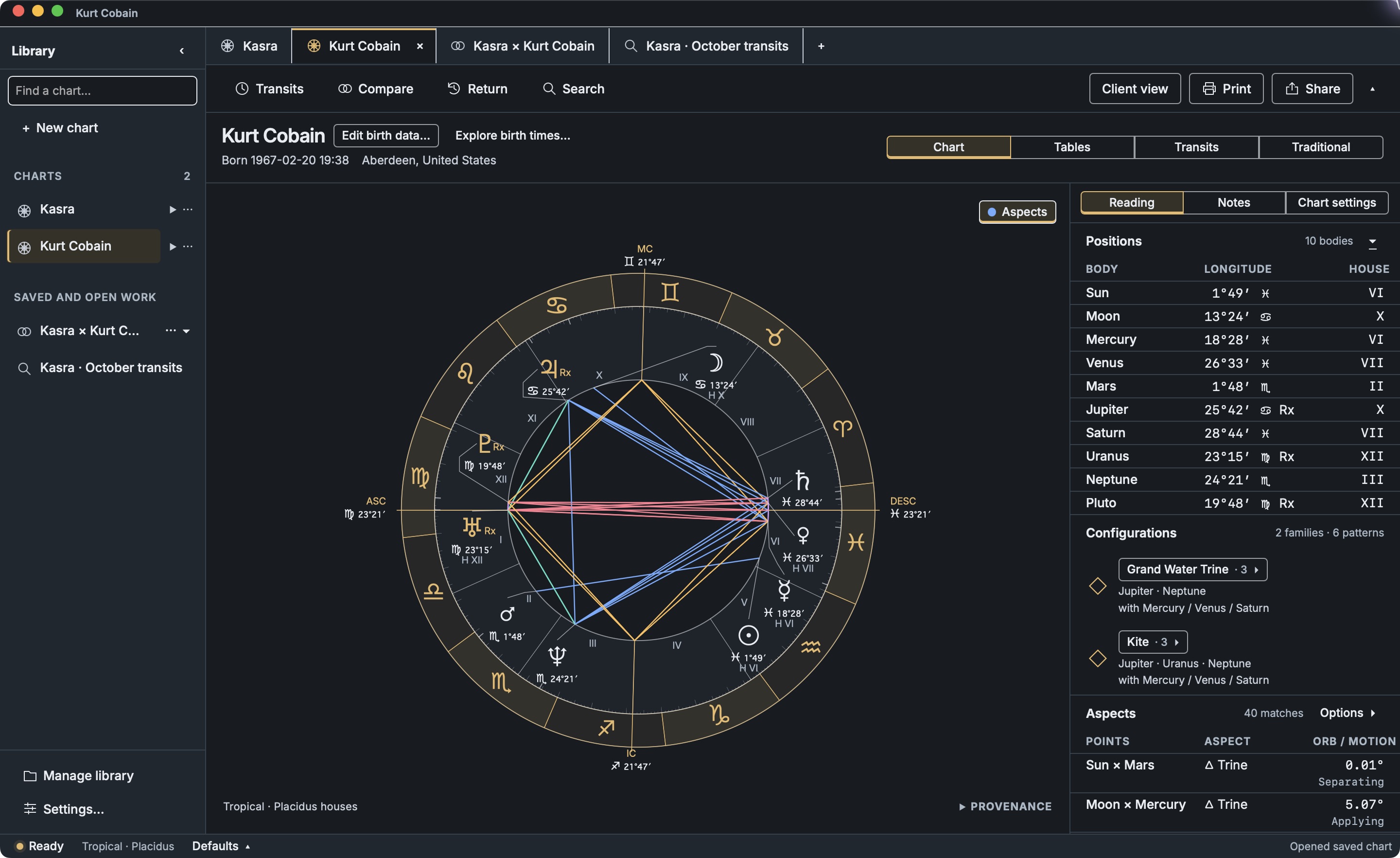
Natal charts
Keep positions, aspects and configurations beside the wheel. Select a connection to highlight it on the chart.
Trace grand trines, T-squares and other patterns directly on the wheel. See the supporting aspects alongside each pattern.
Bring dignities, lots, midpoints and planetary periods into your reading alongside the natal chart.
Hide private notes and your client list while sharing the chart on a call.
Import Solar Fire and Astro Gold chart files, Quick*Charts exports, and AAF files from astro.com. Preview birth details and choose which charts to add.
Keep charts, notes and past work together on your computer.
Relationships
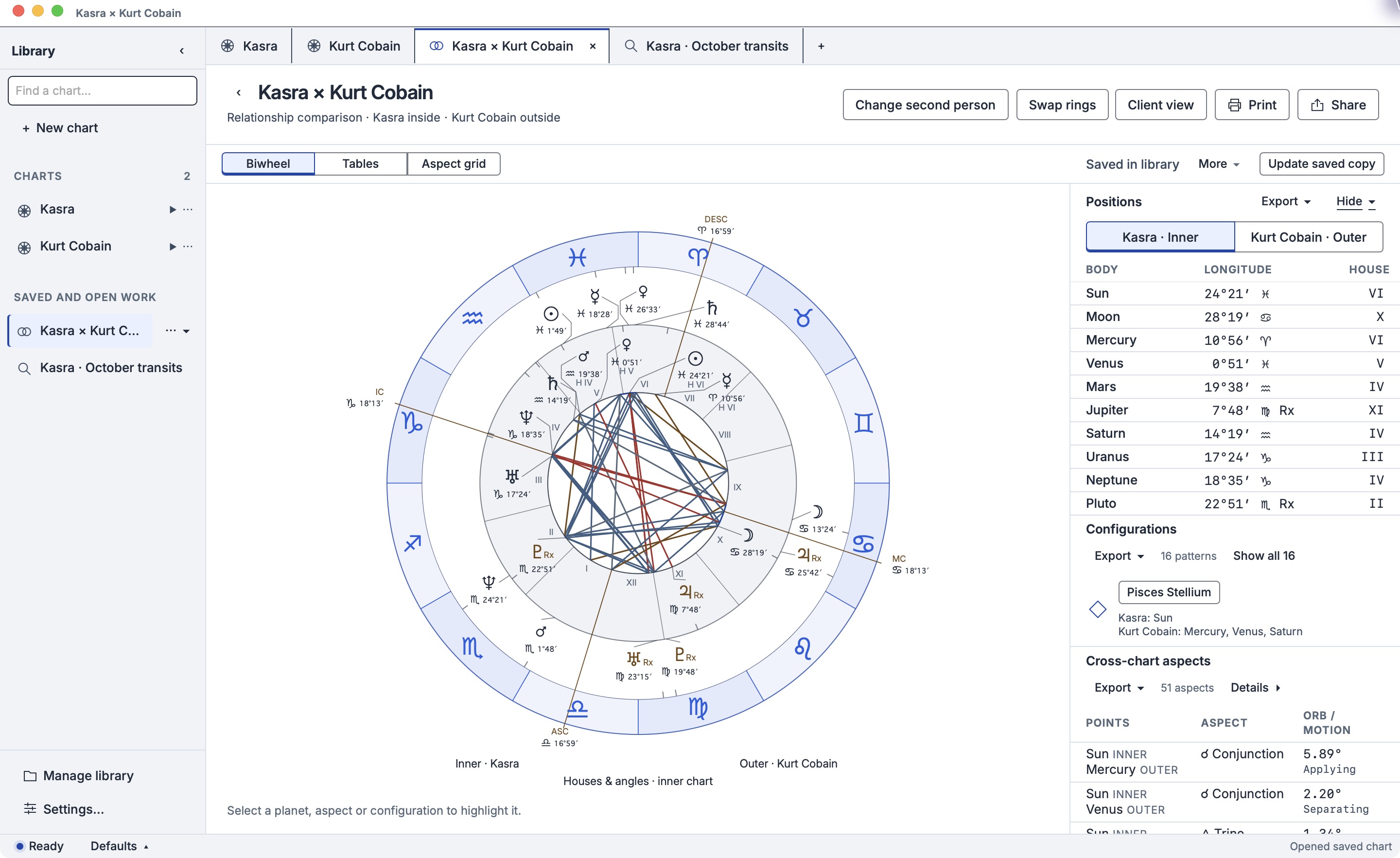
Explore the connections between two charts with synastry, or consider the relationship through a composite or Davison chart.
View two charts in a biwheel, or compare several charts in a multiwheel.
Transits & timing
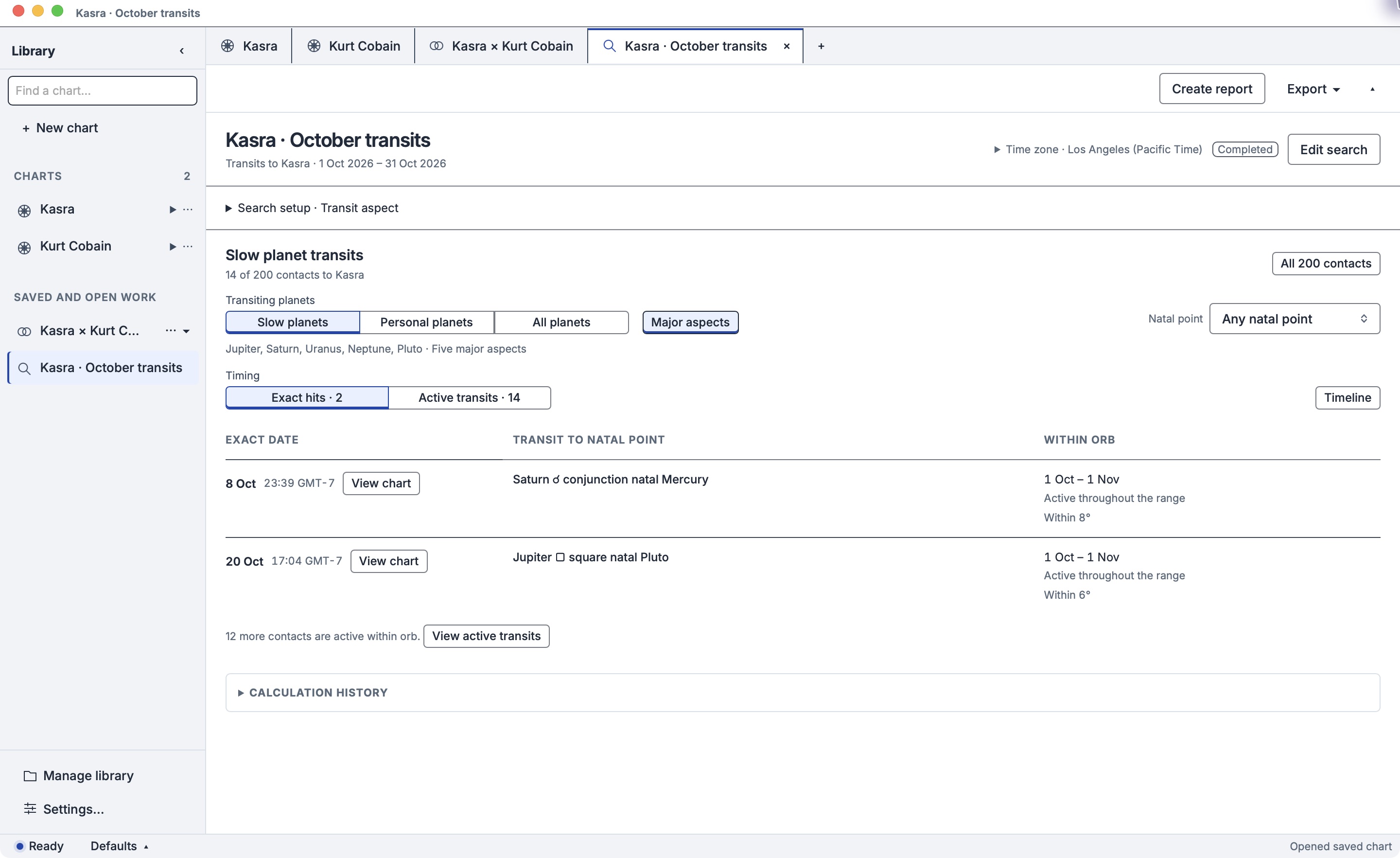
Map the months ahead, revisit a turning point, or explore the current sky against a natal chart. Ephemeris Lab has no AI features. It calculates the charts and timing; you bring the interpretation.
Read the sky now, then move through time to follow an approaching aspect or watch a pattern unfold.
Find solar, lunar and Saturn returns, or explore other planetary cycles.
Find aspects, sign ingresses and stations across a date range, with each result shown on the timeline.
Use secondary progressions and solar-arc directions for long-term timing.
Share & print
Export a styled wheel image with room for a presenter or captions in your composition.
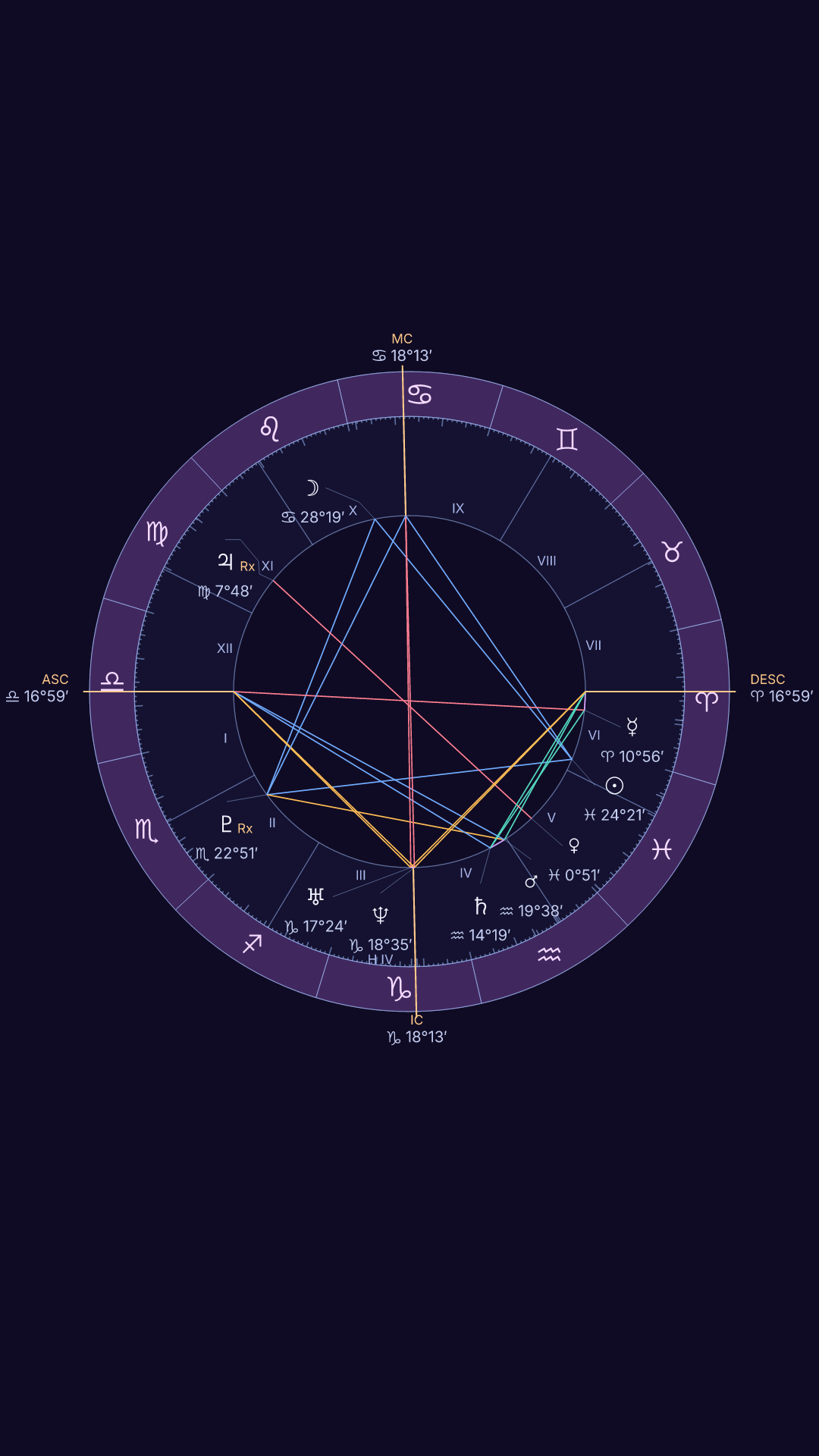
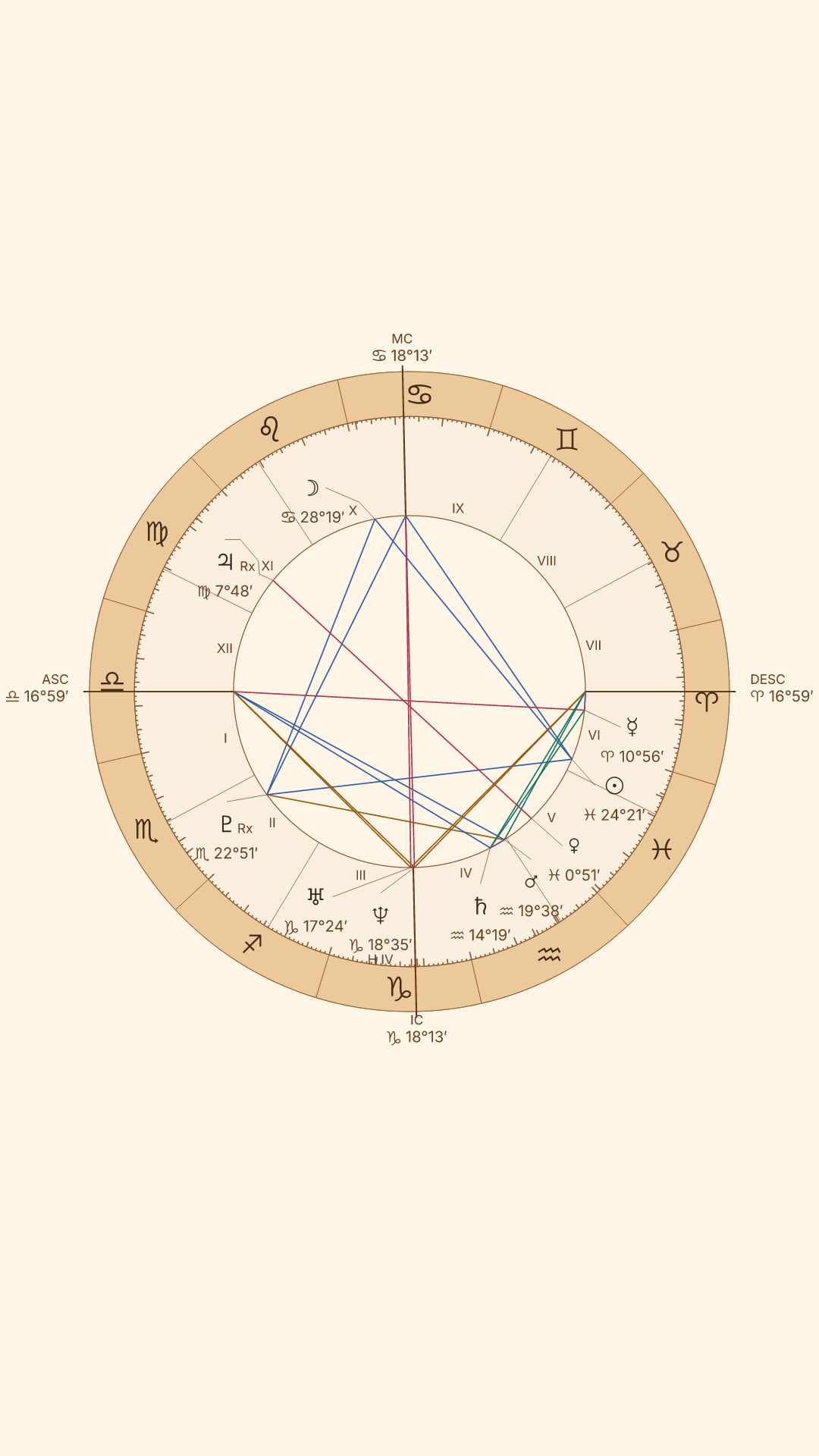
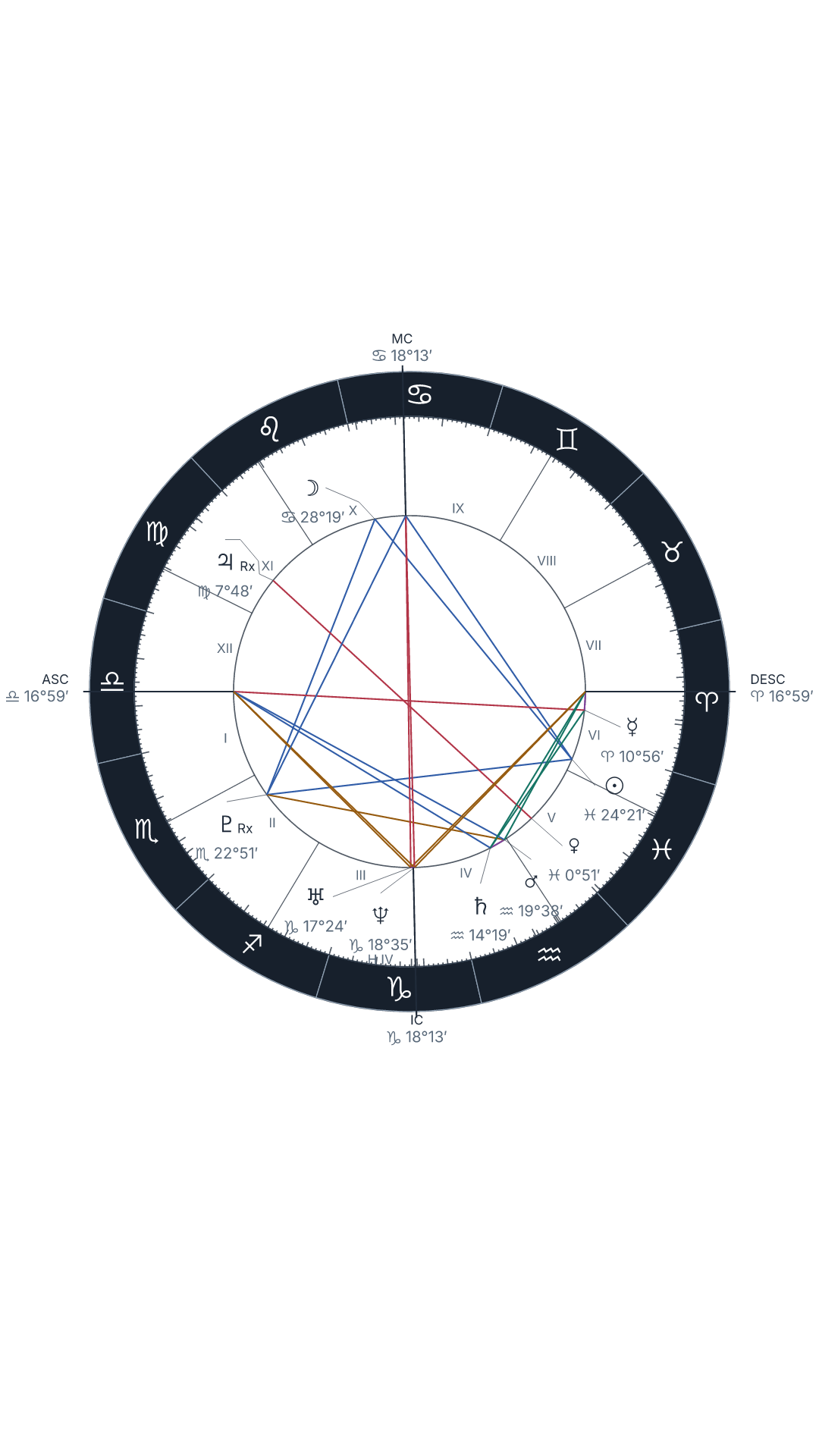
Story 9:16 for vertical video. Portrait 4:5 or square 1:1 for a post.
Choose a share style separately from your app theme, including for relationship and multiwheel charts.
For client handouts, prepare print-ready natal and two-person charts with a separate page preview.
Choose a bright, low-light, paper-like or high-contrast workspace for your session. Style exported chart images separately.
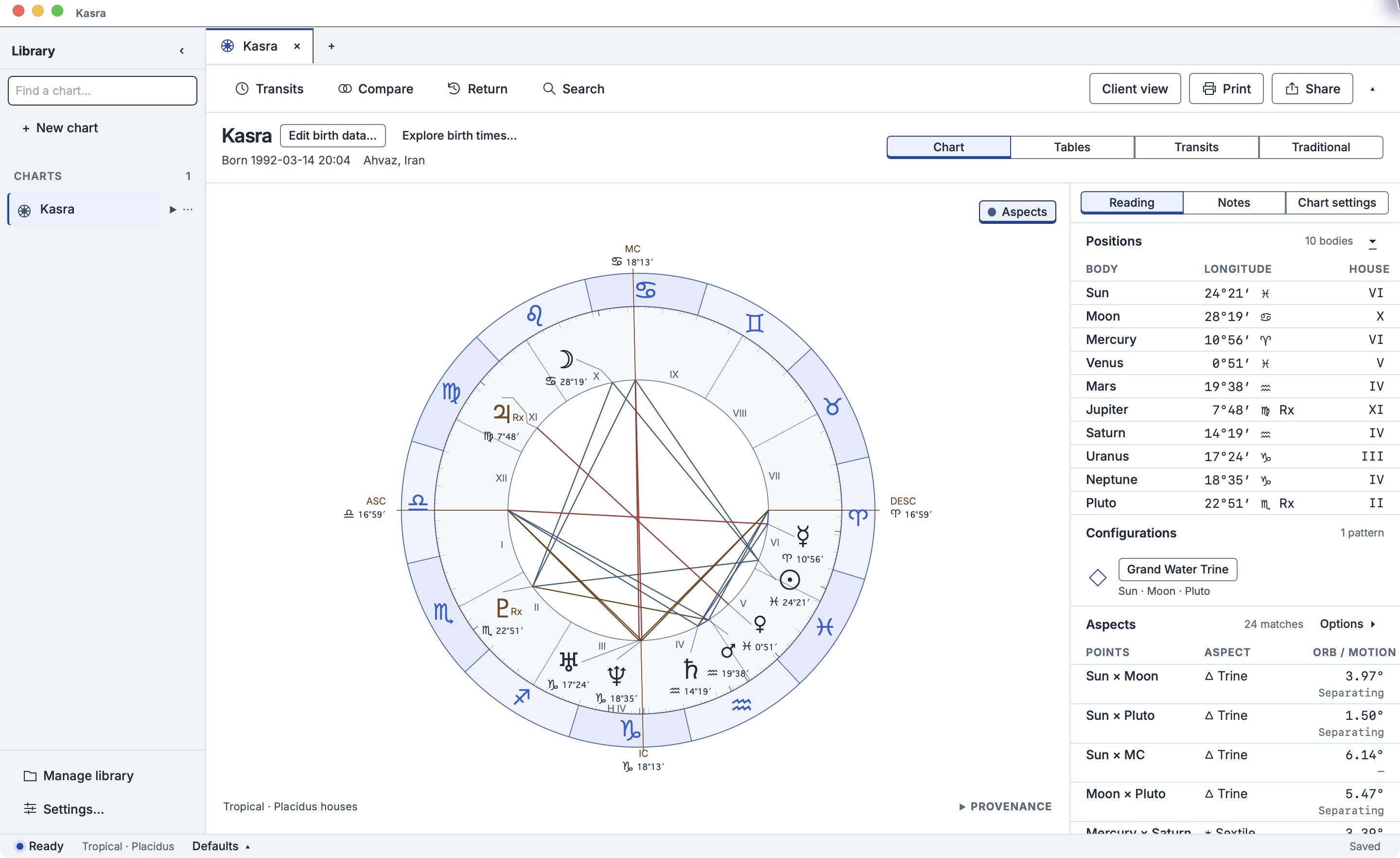
Silver and cobalt for a bright reading space.
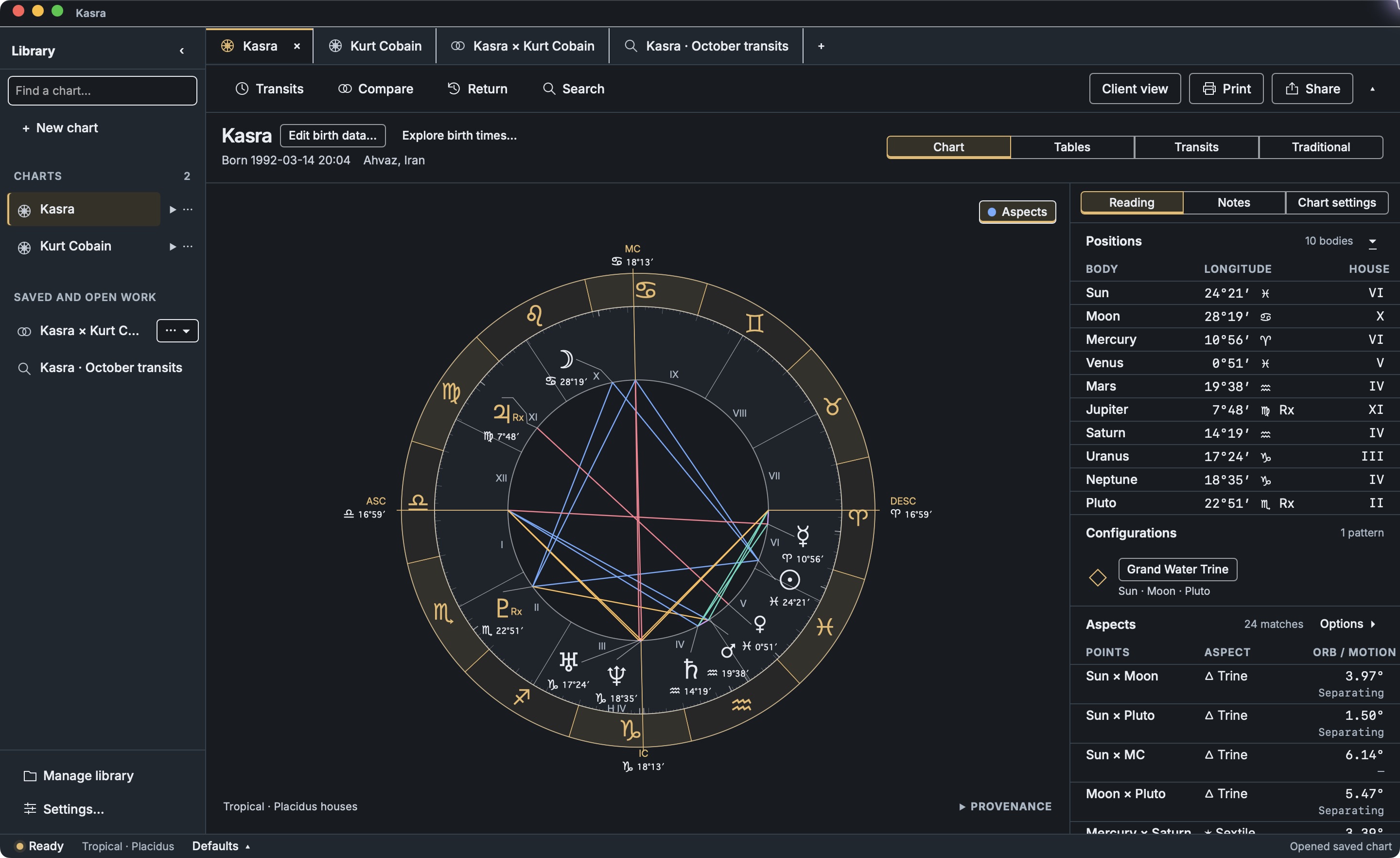
Graphite and amber for low-light study.
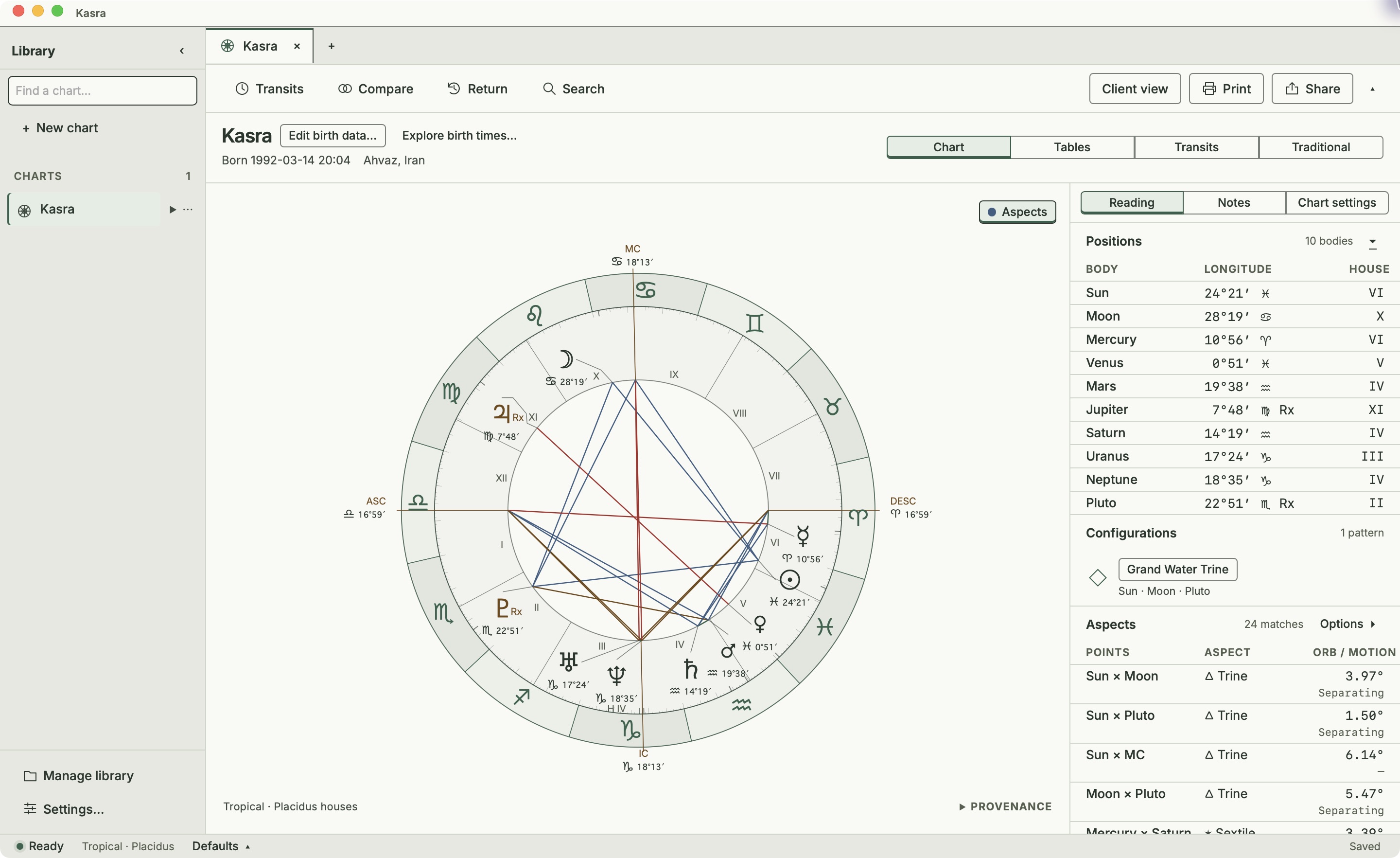
Soft paper and forest green.
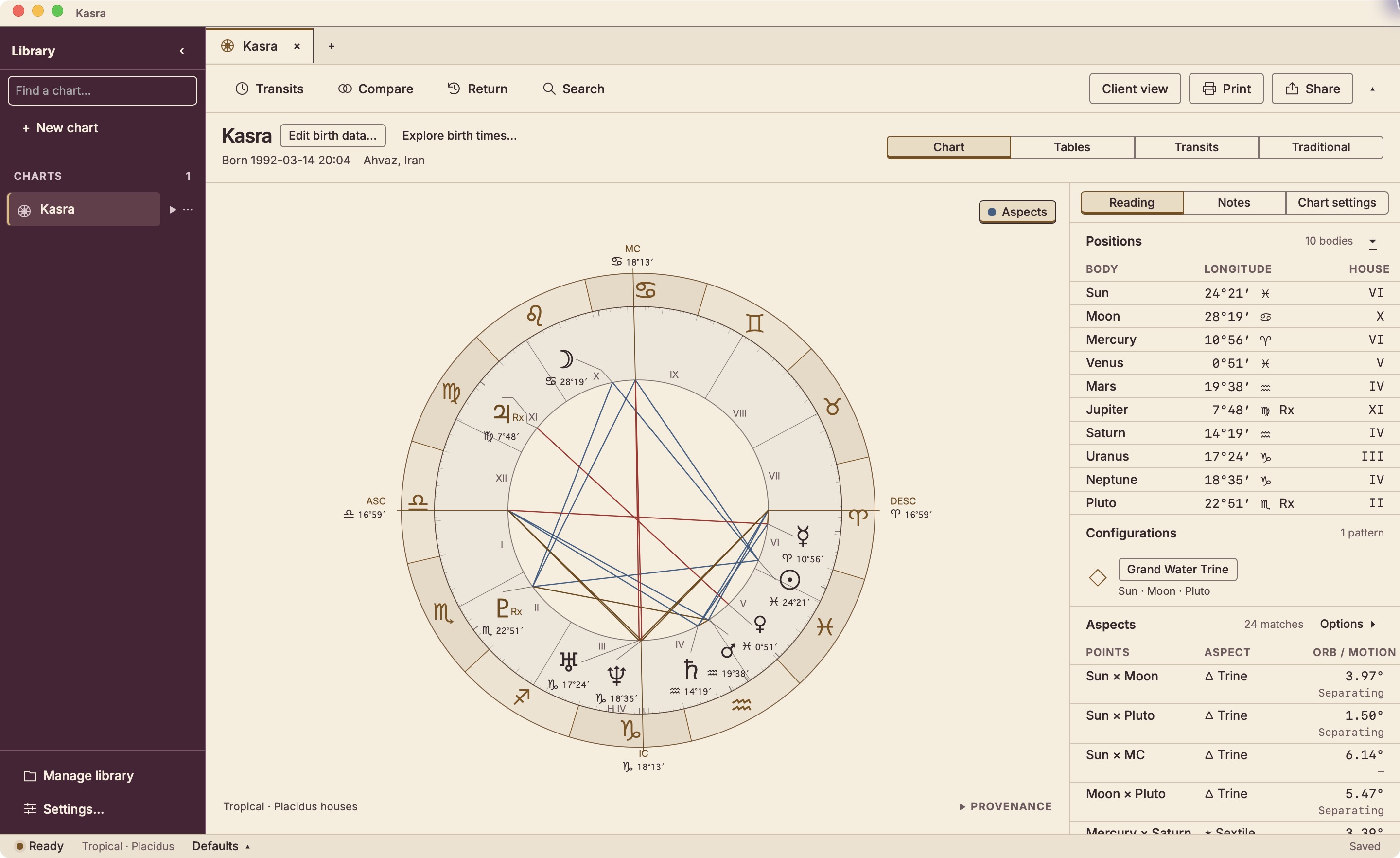
Oxblood, ivory and brass with a traditional feel.
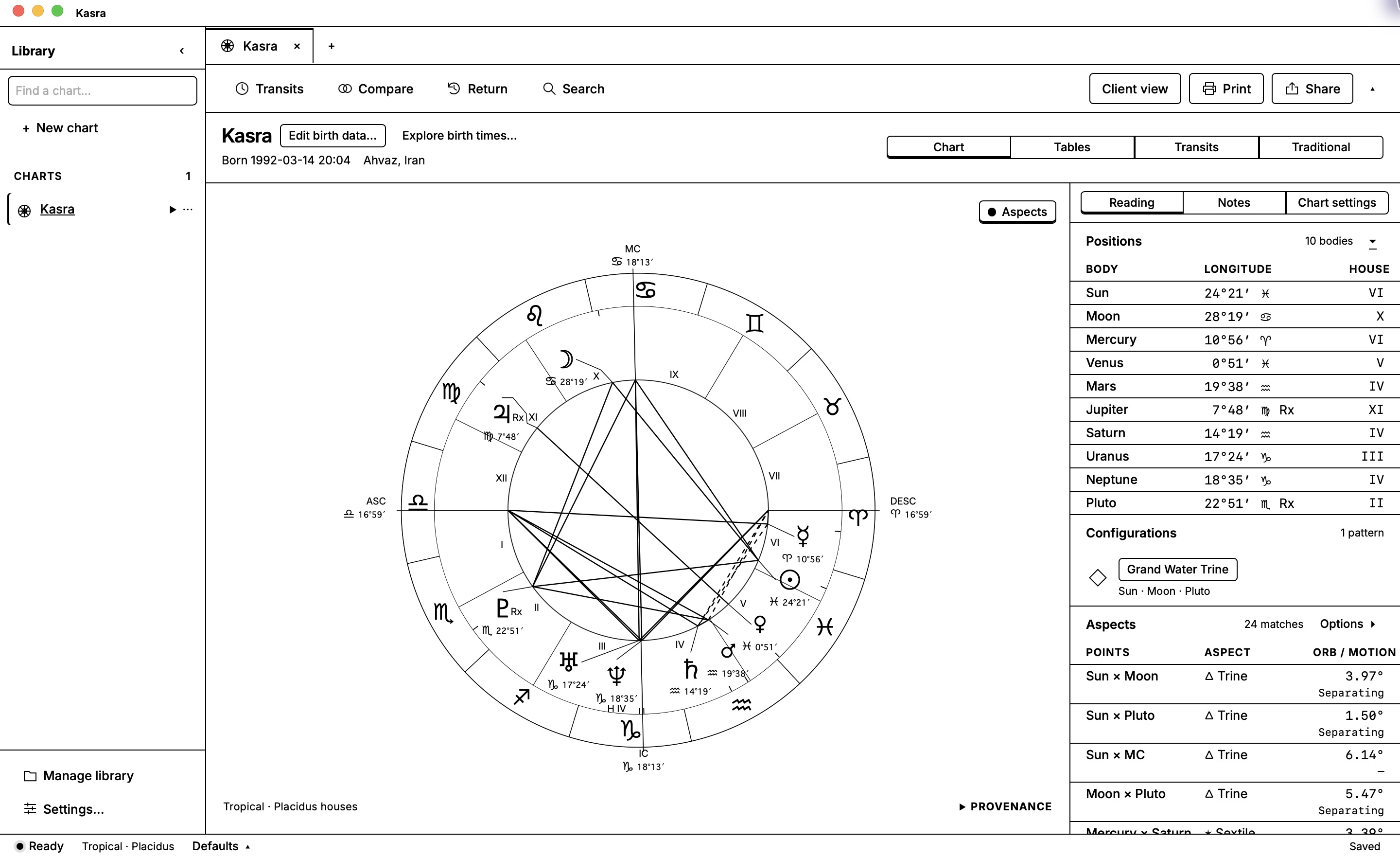
Black-and-white clarity.
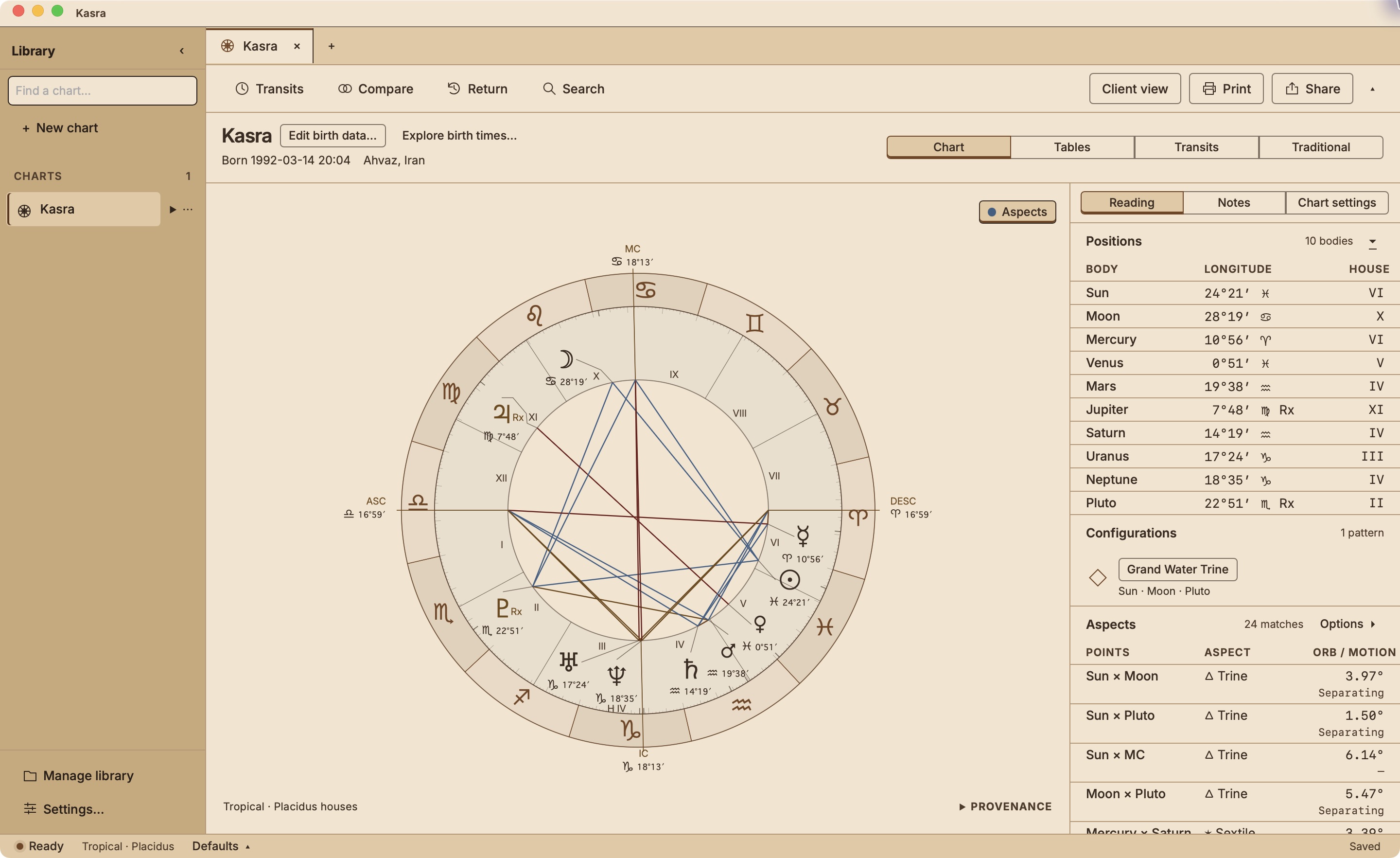
Light bronze and ivory for a warmer desk.
Ephemeris Lab
Unlimited charts and clients on your own macOS, Windows and Linux computers.
Buy the app